

Table of Contents
In today’s fast-moving world, every business needs to talk to customers quickly and clearly. But how you do that—by voice or text—can make a big difference.
Some businesses want to send quick updates. Others need real conversations. That’s why Voice API and SMS API are two popular tools in 2025. But which one is right for you?
This guide will explain both in simple words so you can choose the best fit for your business.
What is a Voice API?
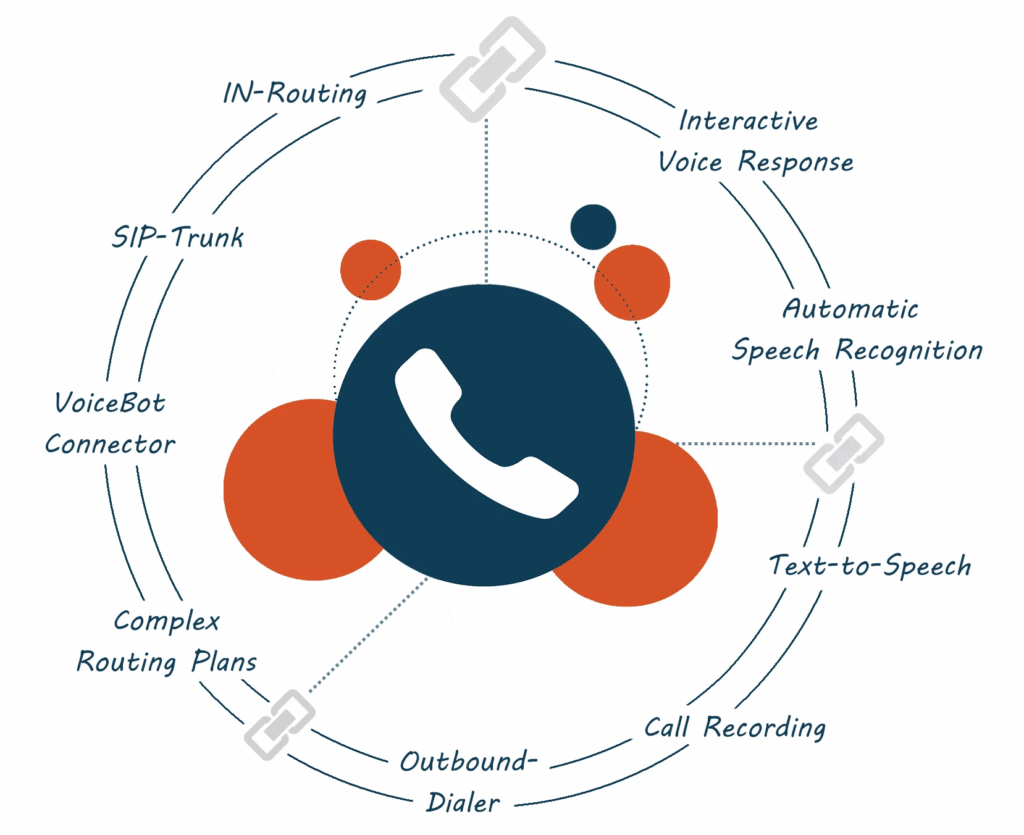
A Voice API lets your app or software make and receive phone calls using the internet. It’s like adding calling features to your website or app, without needing a phone line.
You can use Voice API to:
- Let customers talk to your support team
- Send voice reminders (like appointment alerts)
- Add click-to-call buttons on your website
- Play recorded messages during calls
- Route calls to the right agent
Example:
A delivery app uses Voice API to connect drivers with customers, without showing personal numbers.
What is an SMS API?
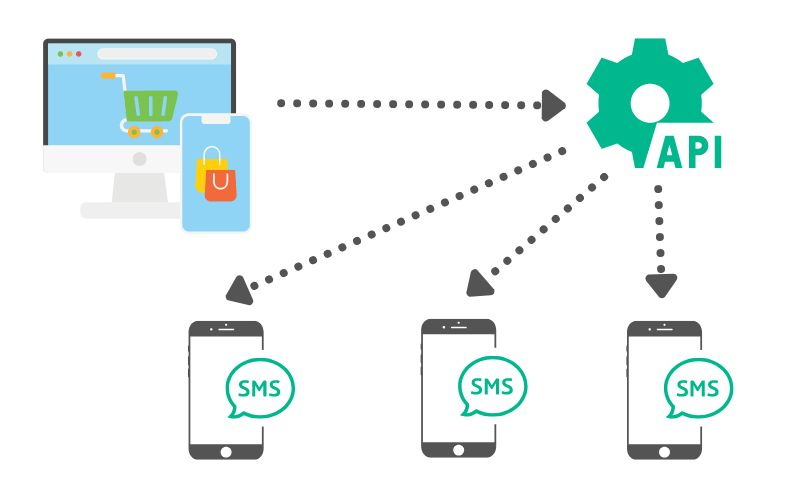
An SMS API helps you send and receive text messages using your software or platform. It connects your system with mobile networks to deliver messages instantly.
You can use the SMS API to:
- Send order confirmations
- Share OTPs (One-Time Passwords)
- Notify users about promotions or sales
- Send emergency alerts
- Collect feedback through short replies
Example:
A salon sends appointment reminders and special offers via text using SMS API.
Key Differences
| Feature | Voice API | SMS API |
| Communication Type | Voice calls (real-time) | Text messages (asynchronous) |
| Best For | Support, sales, and direct conversations | Alerts, marketing, and quick updates |
| Speed | Real-time (live) | Instant but not live |
| Customer Response | Spoken, interactive | Short replies or actions |
| Cost | Usually higher than SMS | More affordable |
| Internet Needed | Yes | No (works over mobile network) |
When to Use Voice API
Use Voice API if your goal is to:
- Have two-way, real-time conversations
- Improve customer support with human interaction
- Let users call your business from your app
- Offer call tracking or call recording features
- Build a virtual call center
Voice API works best for:
🔹 Customer service teams
🔹 Telemedicine and consultations
🔹 Financial services and banks
🔹 On-demand services (like rides or food delivery)
When to Use SMS API
Use SMS API if your goal is to:
- Send short updates quickly
- Reach lots of people at once
- Send OTPs or alerts instantly
- Run promotions or collect feedback
- Automate reminders and schedules
SMS API works best for:
🔹 Retail and eCommerce
🔹 Booking services
🔹 Healthcare appointment reminders
🔹 Event management and alerts
Can You Use Both?
Yes! Many businesses use Voice + SMS APIs together for a complete communication system.
Example:
- A hotel sends an SMS confirmation for a booking.
- The day before check-in, the guest gets a voice call reminder.
- After the stay, a follow-up SMS asks for feedback.
This combo approach keeps communication smooth and professional.
Telkart Makes It Simple
Whether you choose Voice API, SMS API, or both, Telkart helps you set up everything fast.
✅ Easy integration with apps and CRMs
✅ Global reach with local reliability
✅ Real-time analytics
✅ Developer-friendly and secure
✅ 24/7 support to help your team
Choosing between Voice API and SMS API depends on what you want to achieve:
- Need real-time support or calls? → Go with Voice API
- Want to send fast updates and alerts? → Pick SMS API
- Want the best of both worlds? → Use both together
Communication doesn’t need to be complicated. With Telkart’s simple tools, you can reach your customers exactly how they want, quickly, and effectively.